Aller au contenu
View in the app

A better way to browse. Learn more.

Fallout Génération

A full-screen app on your home screen with push notifications, badges and more.

To install this app on iOS and iPadOS
  1. Tap the Share icon in Safari
  2. Scroll the menu and tap Add to Home Screen.
  3. Tap Add in the top-right corner.
To install this app on Android
  1. Tap the 3-dot menu (⋮) in the top-right corner of the browser.
  2. Tap Add to Home screen or Install app.
  3. Confirm by tapping Install.

Divers screens

Posté(e)

(sans thème spécifique):xmass:

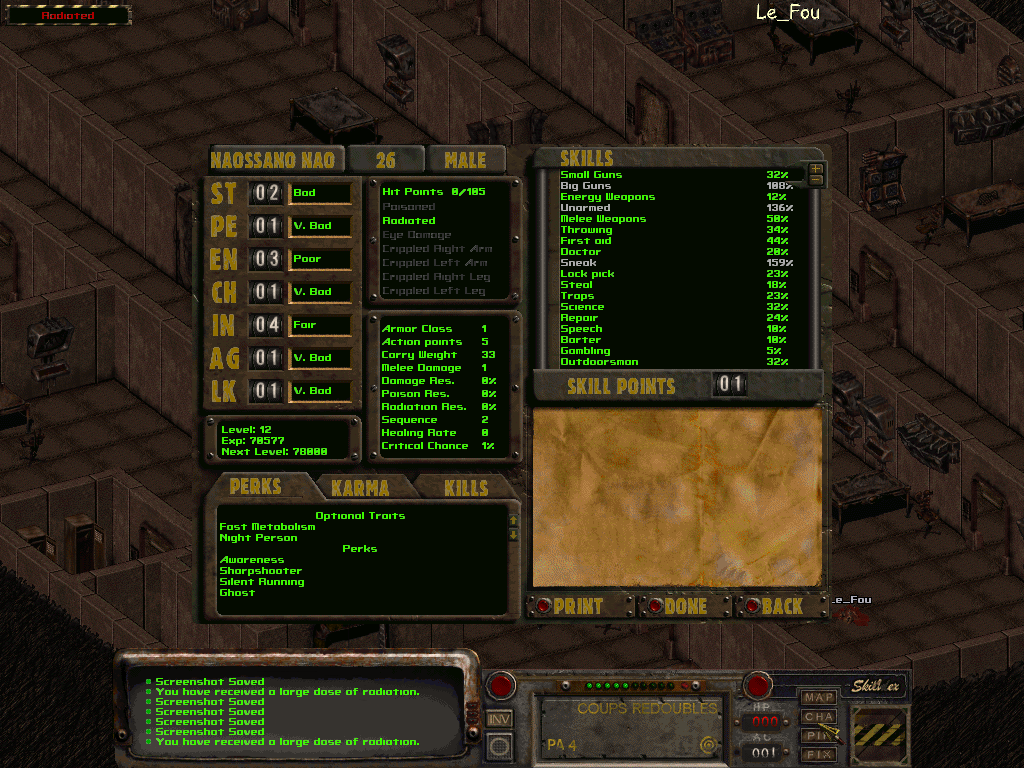
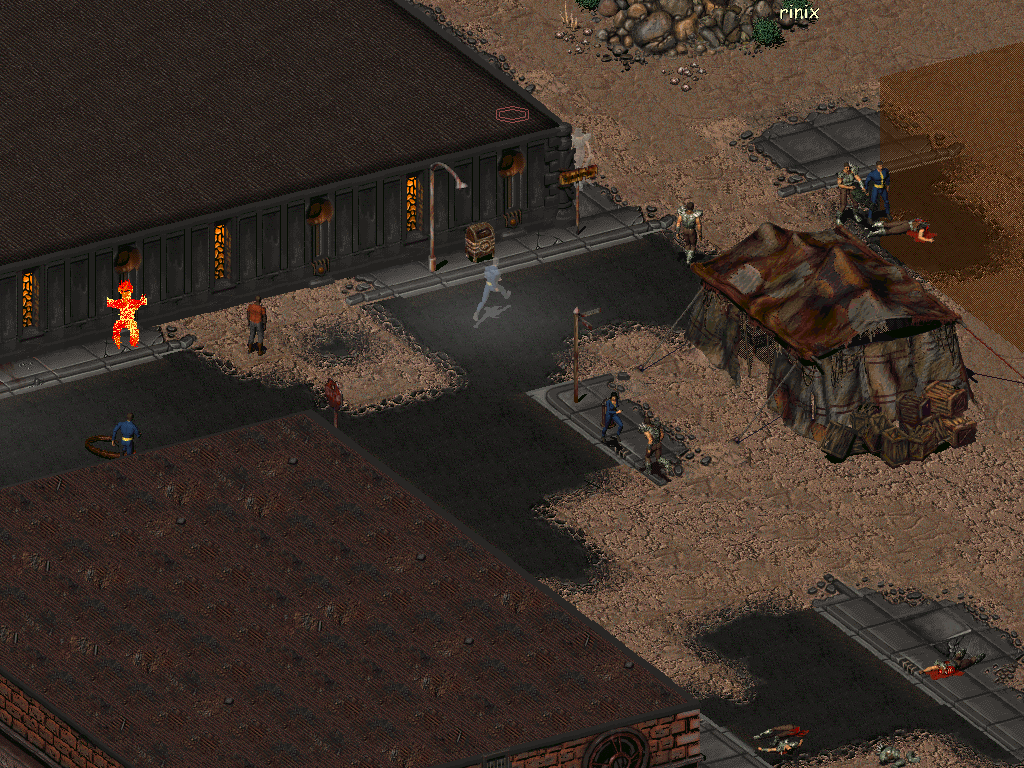
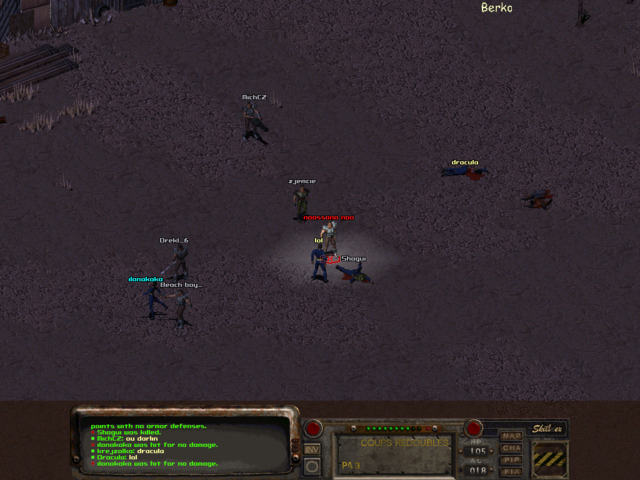
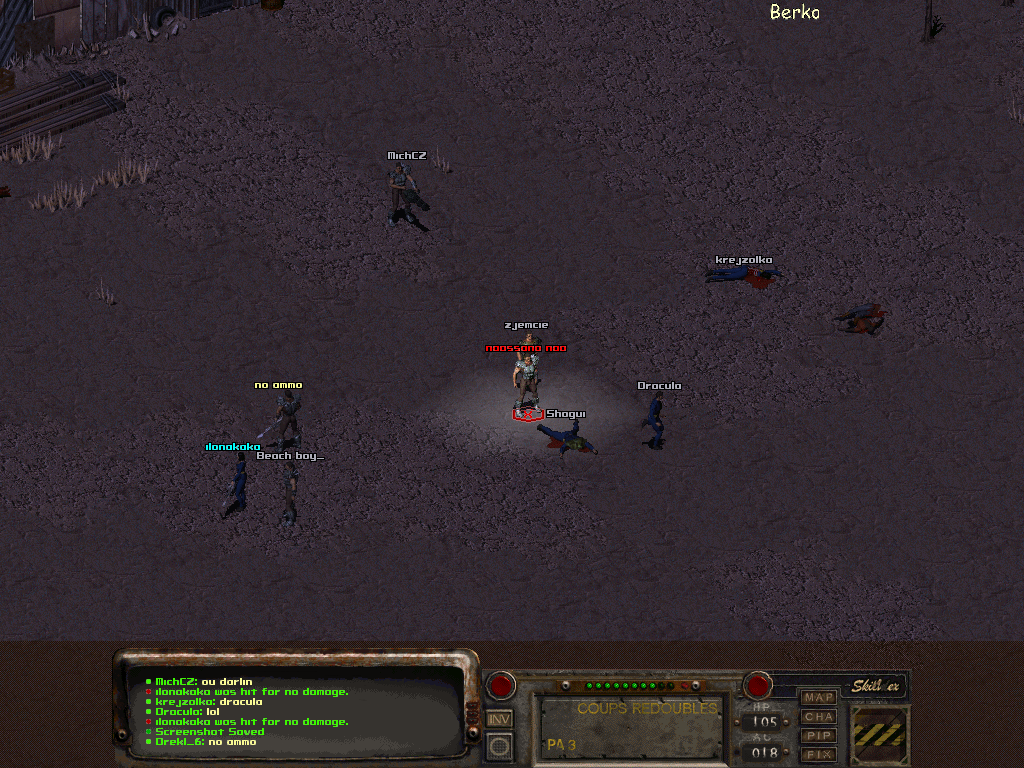
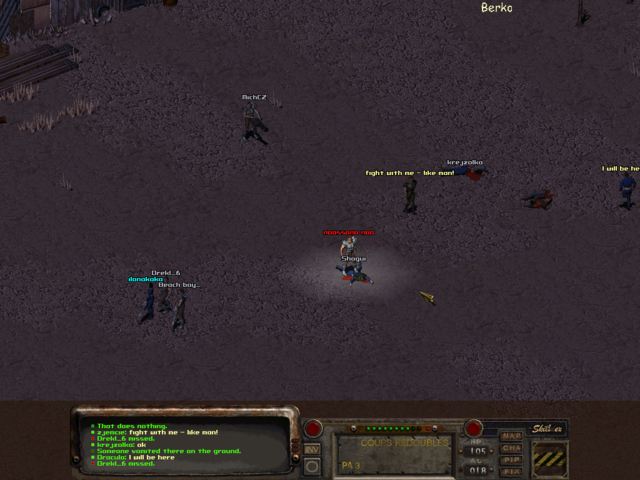
Quelques screens de Fonline PréWipe

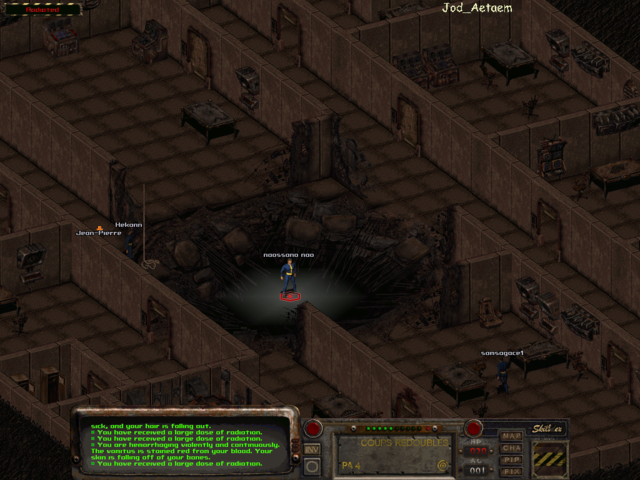
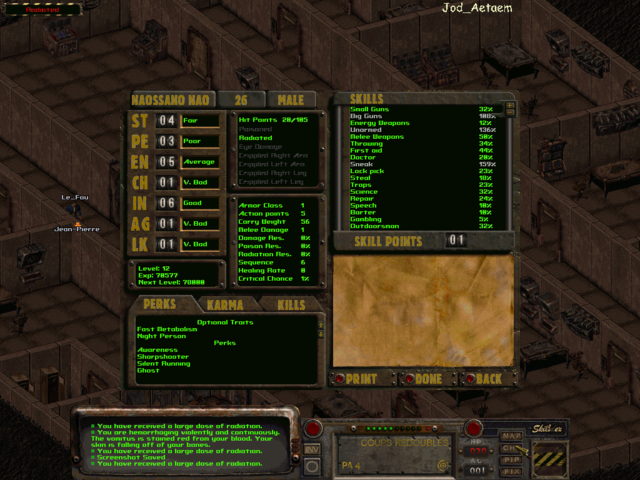
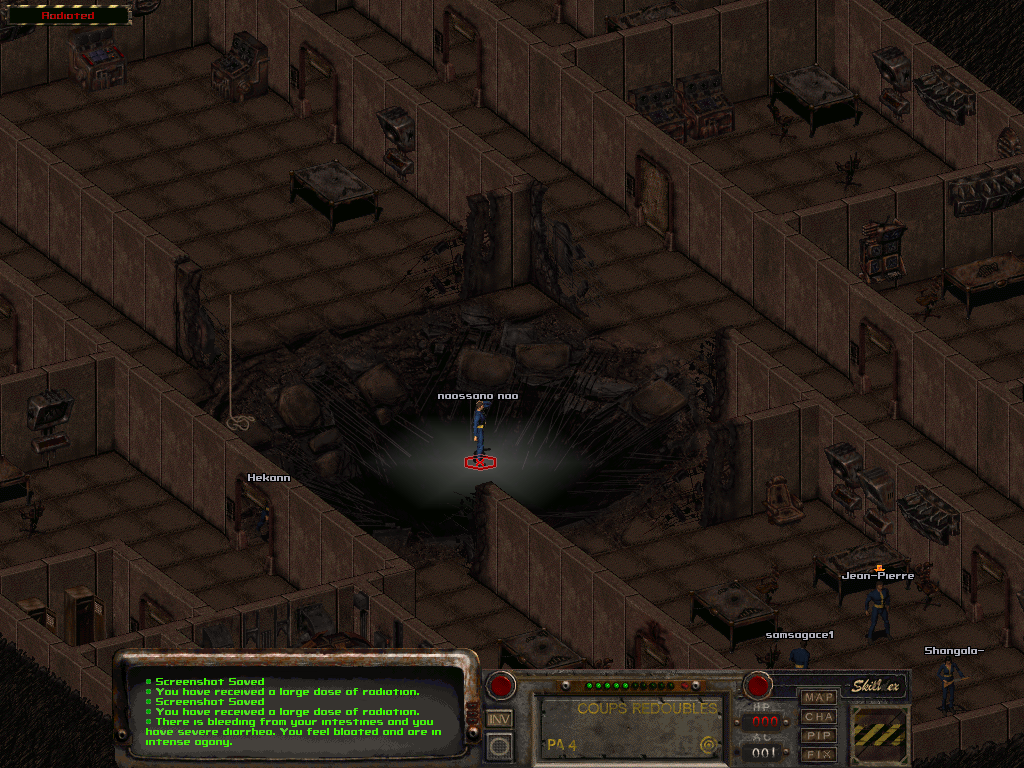
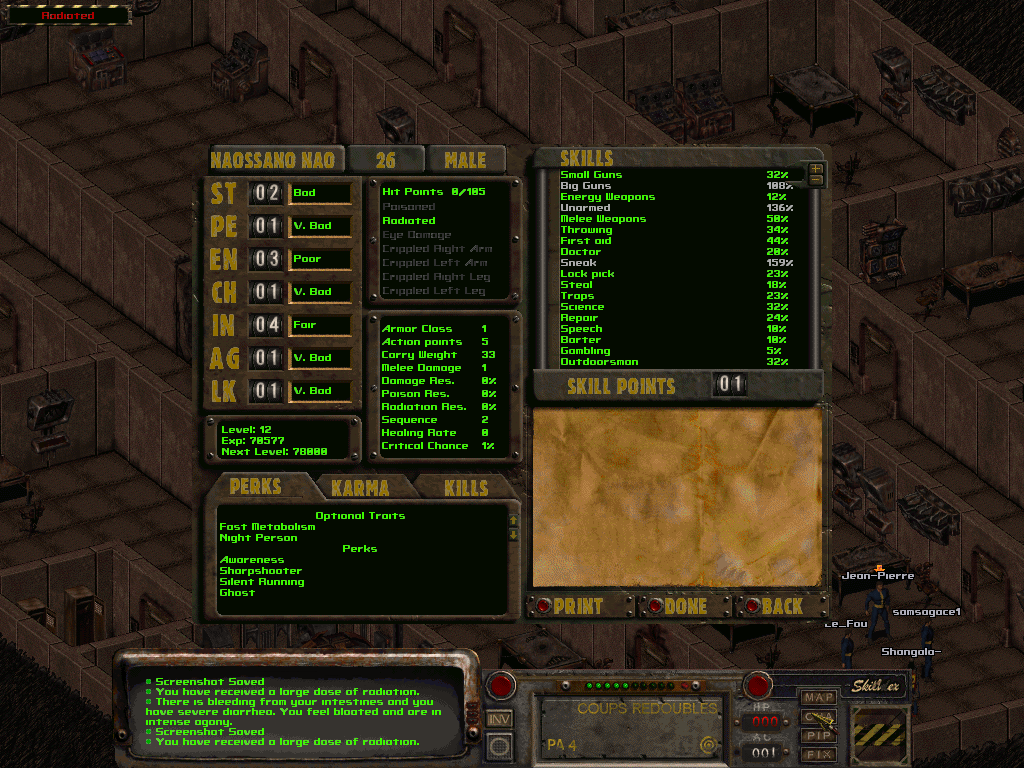
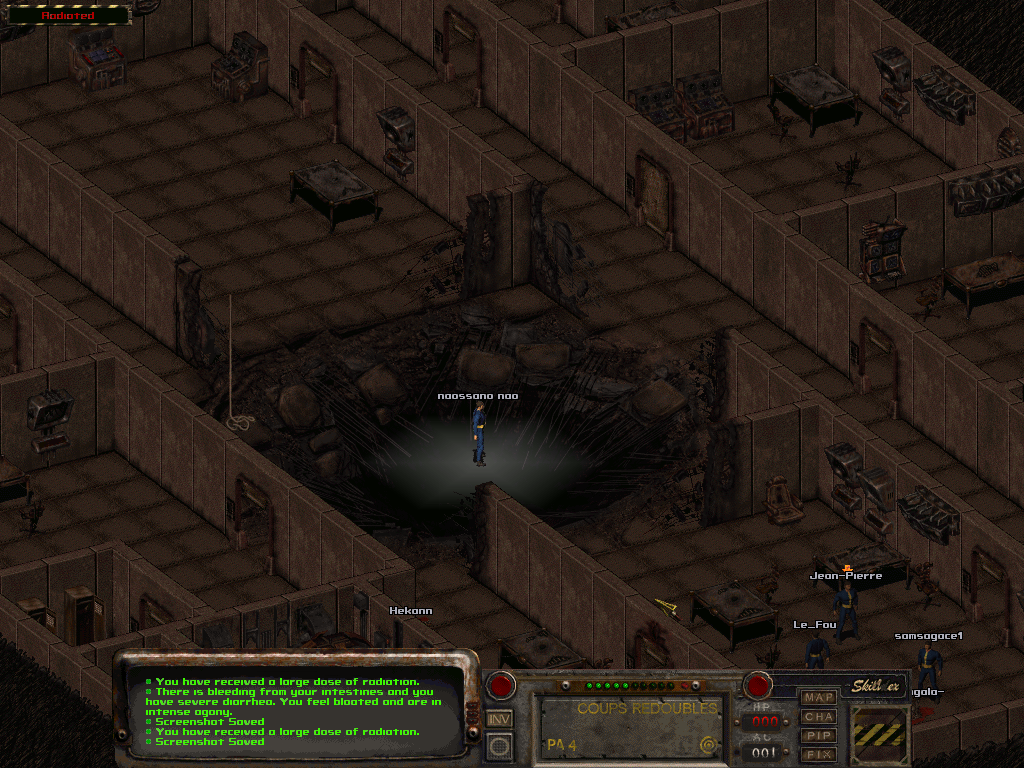
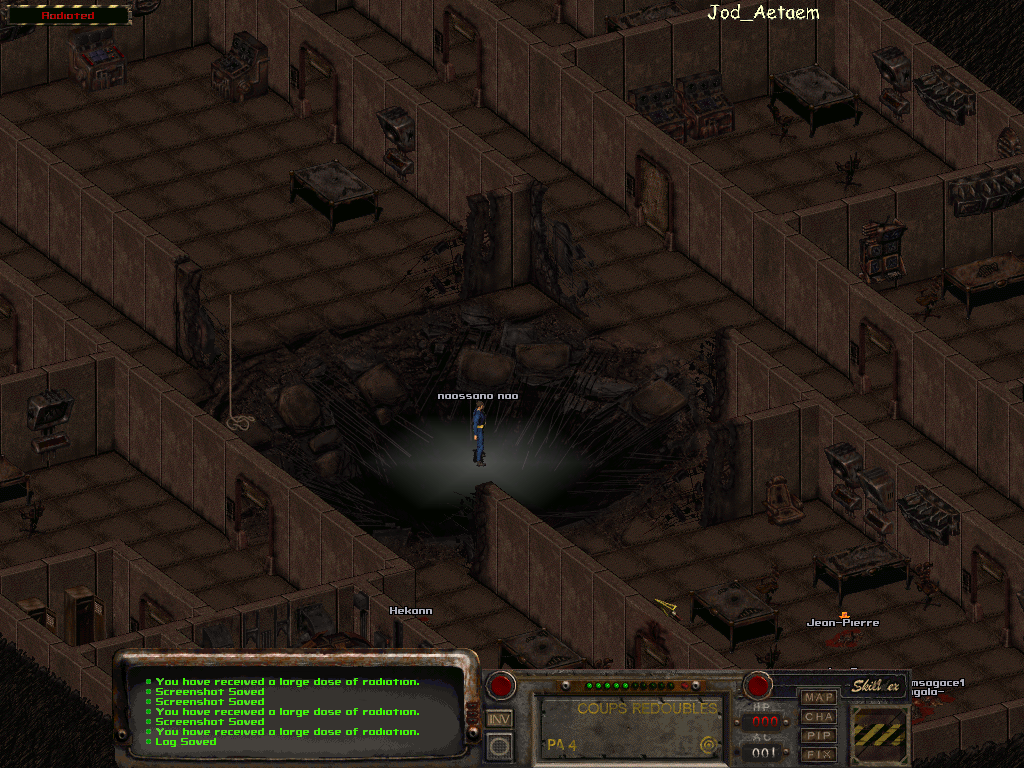
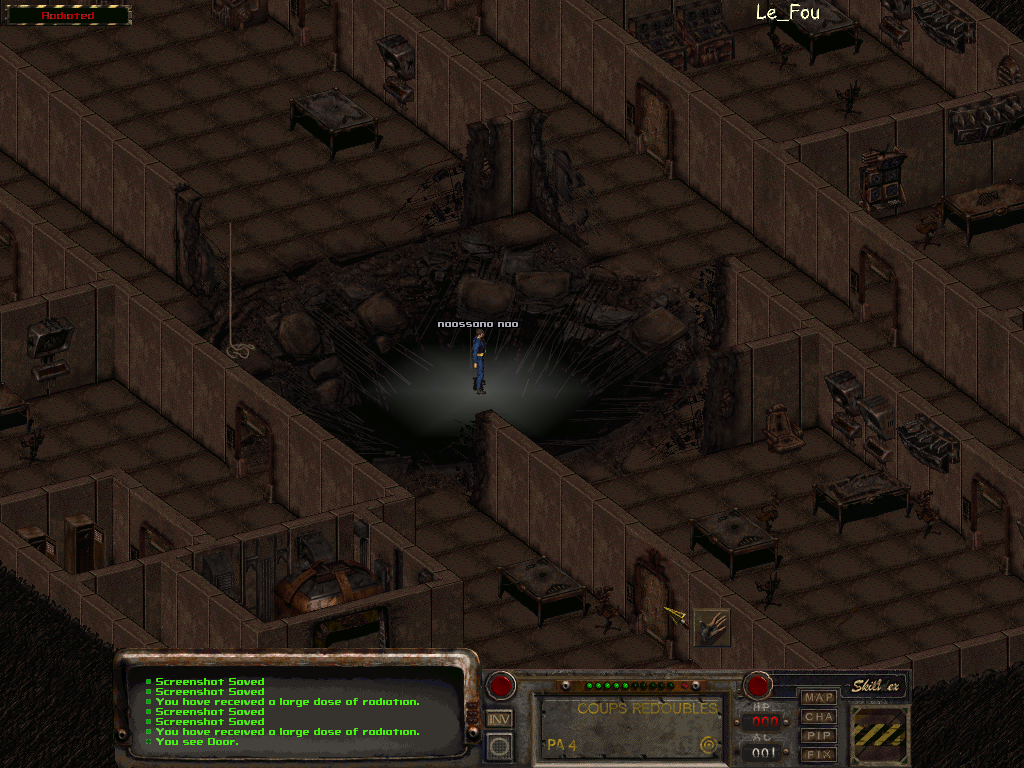
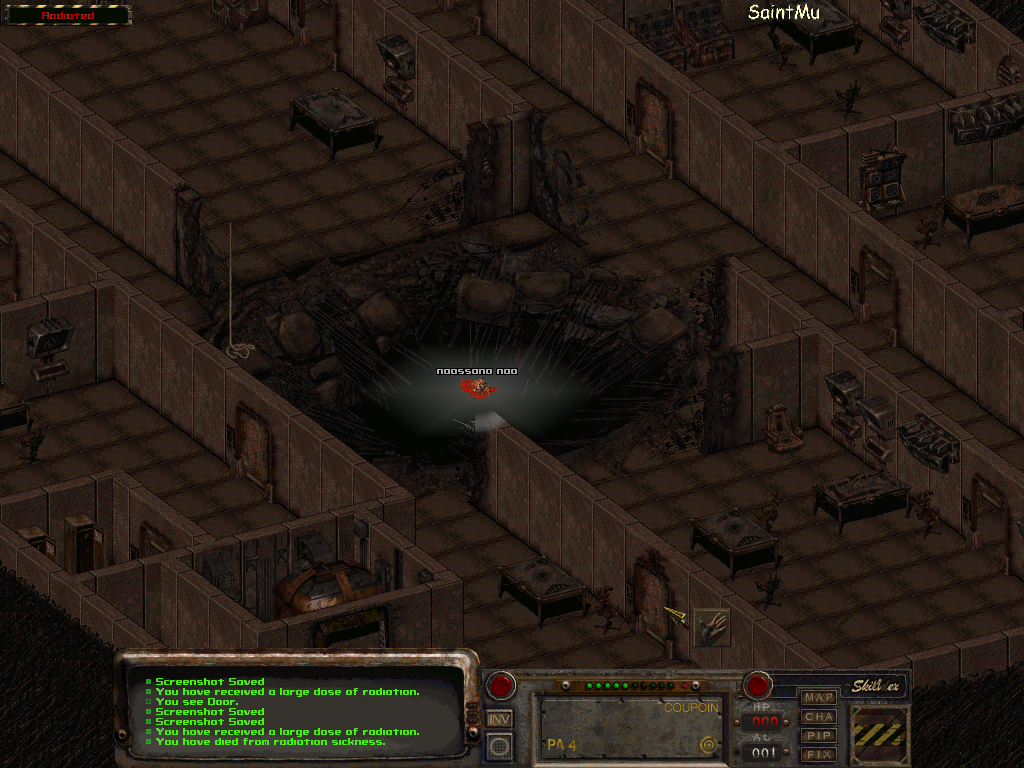
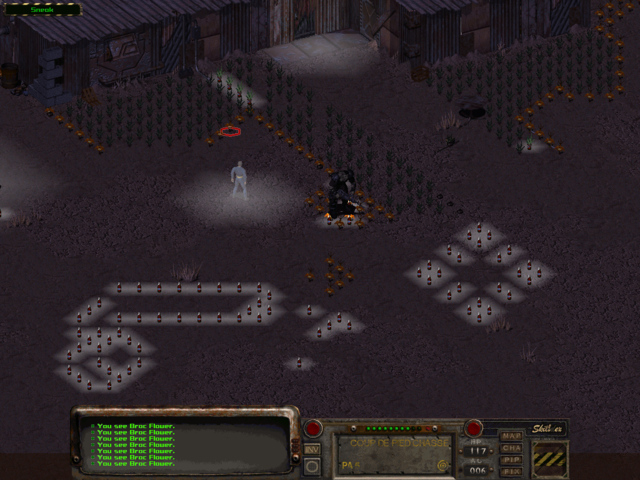
Petite excursion à The Glow
Le personnage le plus résistant aux rads est celui qui ne peut pas sortir à cause d'un bug...

Image IPB


Image IPB


Image IPB

Image IPB


Image IPB

Image IPB

Image IPB

Image IPB

Image IPB

Image IPB


Image IPB


Image IPB


Image IPB


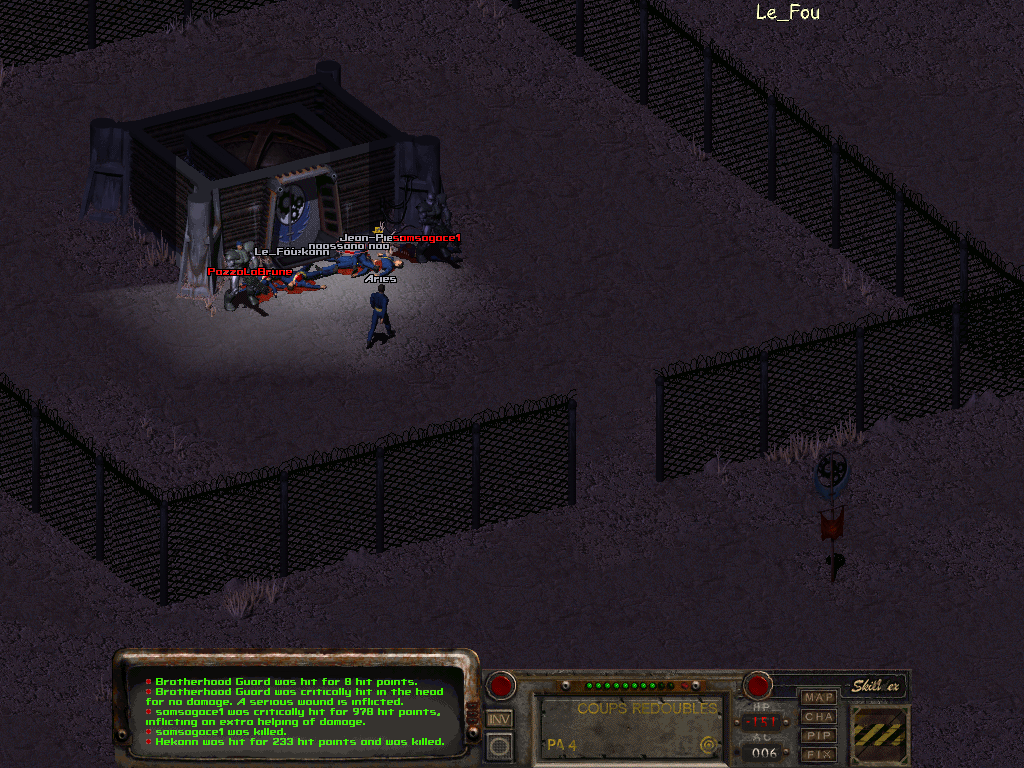
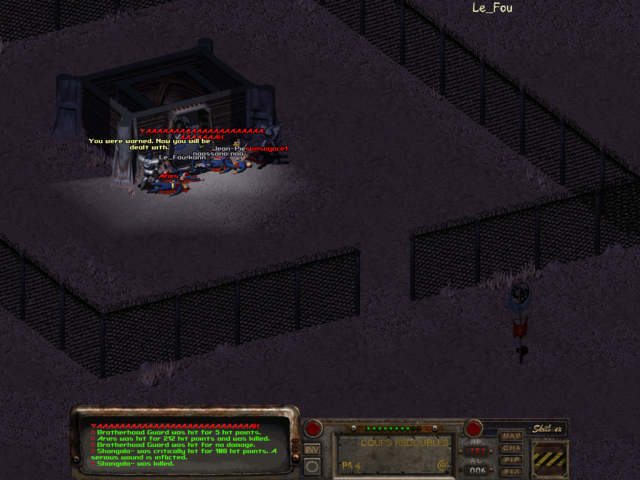
Les Portes de la Confrérie, toujours grandes ouvertes...


Image IPB


Image IPB

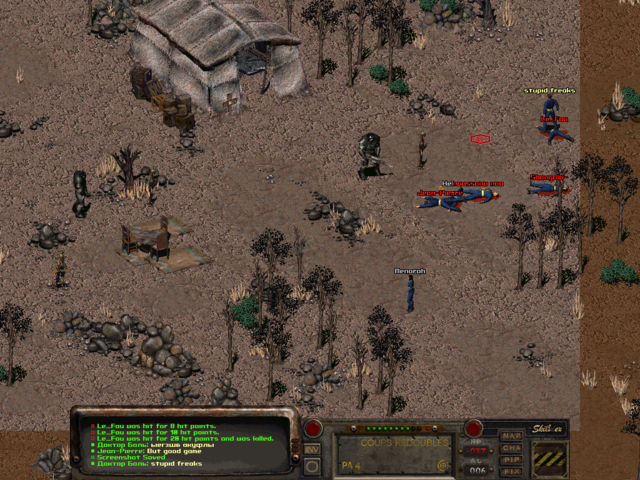
Un Russe bien chanceux...


Image IPB

Et pendant ce temps là, du côté de Roger...

Image IPB


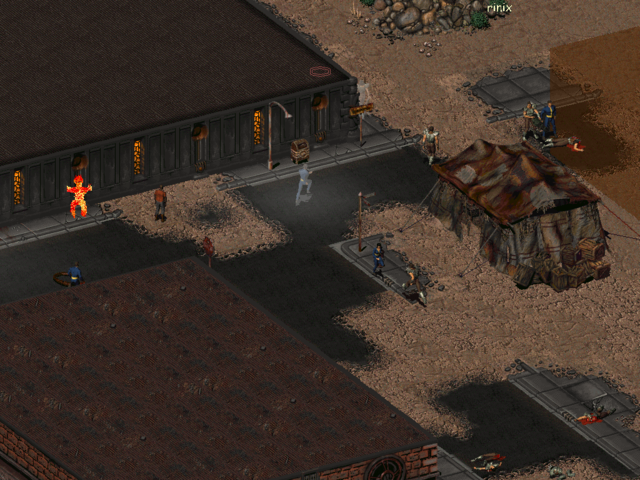
Screens divers


Image IPB


Image IPB


Image IPB


Image IPB


Image IPB


Image IPB

naossano.png.98ac3f1a9289cc90131bc3bf59856931.png

Featured Replies

No posts to show

Archivé

Ce sujet est désormais archivé et ne peut plus recevoir de nouvelles réponses.

En ligne récemment 0

  • Aucun utilisateur enregistré regarde cette page.

Account

Navigation

Rechercher

Rechercher

Configure browser push notifications

Chrome (Android)
  1. Tap the lock icon next to the address bar.
  2. Tap Permissions → Notifications.
  3. Adjust your preference.
Chrome (Desktop)
  1. Click the padlock icon in the address bar.
  2. Select Site settings.
  3. Find Notifications and adjust your preference.