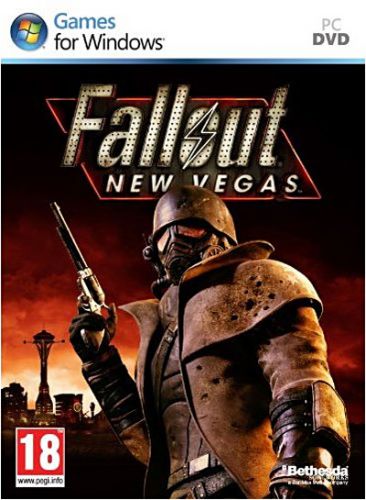
Traductions
4 fichiers
-
== INSTALLATION ==
lancez "Fallout-New-Vegas-PatchFR". Cliquez sur "suivant". Indiquez le répertoire du jeu. Cliquez sur "suivant".
Fichiers issu de traductionjeux.com- 4 821 Téléchargements
- 15 Commentaires
Par Kims -
Extraire l'archive et copier-coller les fichiers dans Program Files\Bethesda Softworks\Fallout New Vegas\data. Remplacer les fichiers si demandé.
- 1 434 Téléchargements
Par Kims -
Extraire l'archive et copier-coller le dossier Data dans le répertoire d'installation de FNV. Quand demandé, fusionner le dossier et remplacer les fichiers.
- 1 417 Téléchargements
Par Kims -
Description :
Honest Hearts, vous plonge au cœur d'une expédition en Utah, dans le Parc national de Zion, préservé de tout contact avec l'homme. Celle-ci tourne au cauchemar suite au piège tendu par un clan hostile. En essayant de retourner dans le désert du Mojave, vous vous retrouverez impliqué dans une guerre tribale et dans un conflit opposant un missionnaire de New Canaan et le mystérieux Homme brûlé. Vos décisions seront primordiales car le futur de Zion est entre vos mains.
Bande annonce de Honest Hearts :
Le trailer :
- 2 668 Téléchargements
- 2 Commentaires
Par Kims