Aller au contenu
View in the app

A better way to browse. Learn more.

Fallout Génération

A full-screen app on your home screen with push notifications, badges and more.

To install this app on iOS and iPadOS
  1. Tap the Share icon in Safari
  2. Scroll the menu and tap Add to Home Screen.
  3. Tap Add in the top-right corner.
To install this app on Android
  1. Tap the 3-dot menu (⋮) in the top-right corner of the browser.
  2. Tap Add to Home screen or Install app.
  3. Confirm by tapping Install.

Fallout Tactics

1 actualité dans cette catégorie

  1. Goupil ·
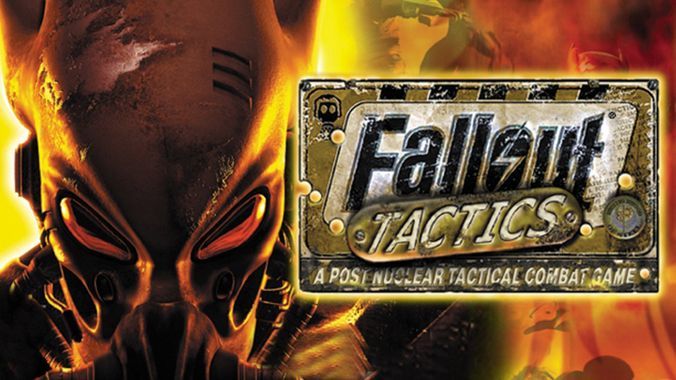
    Fallout Tactics, 20 ans déjà ! Et son championnat FoGen ! Un vieux toujours aussi jeune     Souhaitons un bon anniversaire à ce jeune de 20 ans, Fallout Tactics ! Le 15 mars 2001, ce 3e jeu de la série Fallout sortait aux USA. Il allait décontenancer bon nombre de fans de la licence, les ventes seront plus faibles que pour les 2 précédents opus, mais 20 ans après, il est toujours là et toujours jouable. C’est pourquoi Fallout Génération a le plaisir de vous annoncer son
    • 2 commentaires
    • 3 755 vues

Qui est en ligne (Afficher la liste complète)

  • Il n’y a aucun utilisateur enregistré actuellement en ligne

Account

Navigation

Rechercher

Rechercher

Configure browser push notifications

Chrome (Android)
  1. Tap the lock icon next to the address bar.
  2. Tap Permissions → Notifications.
  3. Adjust your preference.
Chrome (Desktop)
  1. Click the padlock icon in the address bar.
  2. Select Site settings.
  3. Find Notifications and adjust your preference.