Aller au contenu
View in the app

A better way to browse. Learn more.

Fallout Génération

A full-screen app on your home screen with push notifications, badges and more.

To install this app on iOS and iPadOS
  1. Tap the Share icon in Safari
  2. Scroll the menu and tap Add to Home Screen.
  3. Tap Add in the top-right corner.
To install this app on Android
  1. Tap the 3-dot menu (⋮) in the top-right corner of the browser.
  2. Tap Add to Home screen or Install app.
  3. Confirm by tapping Install.

php wiki

Re,

Y'a des ptits soucis sur le wiki:

J'ai voulu changer l'avatar de mon profil et un erreur php est apparue (en fait j'en sais rien je viens juste de la voir, faut dire qu'on voit pas bien noir sur gris foncé ^^)
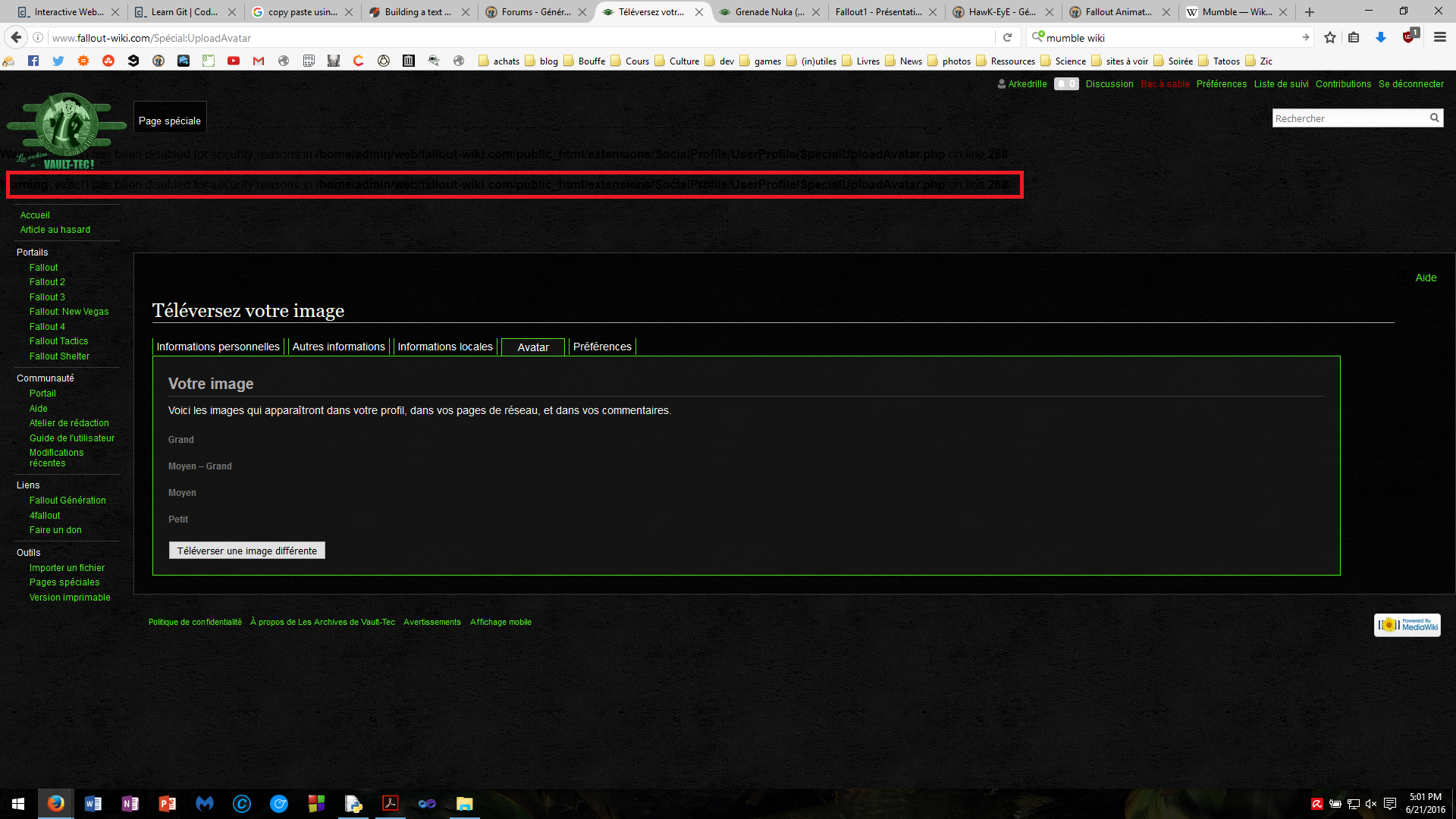
modif avatar wiki.png

Retour utilisateur

Commentaires recommandés

willy1009

Citoyen
Posté(e)

Problème réglé :)

Invité

Invité

Visiteur
Posté(e)

Soupaire !

Account

Navigation

Rechercher

Rechercher

Configure browser push notifications

Chrome (Android)
  1. Tap the lock icon next to the address bar.
  2. Tap Permissions → Notifications.
  3. Adjust your preference.
Chrome (Desktop)
  1. Click the padlock icon in the address bar.
  2. Select Site settings.
  3. Find Notifications and adjust your preference.